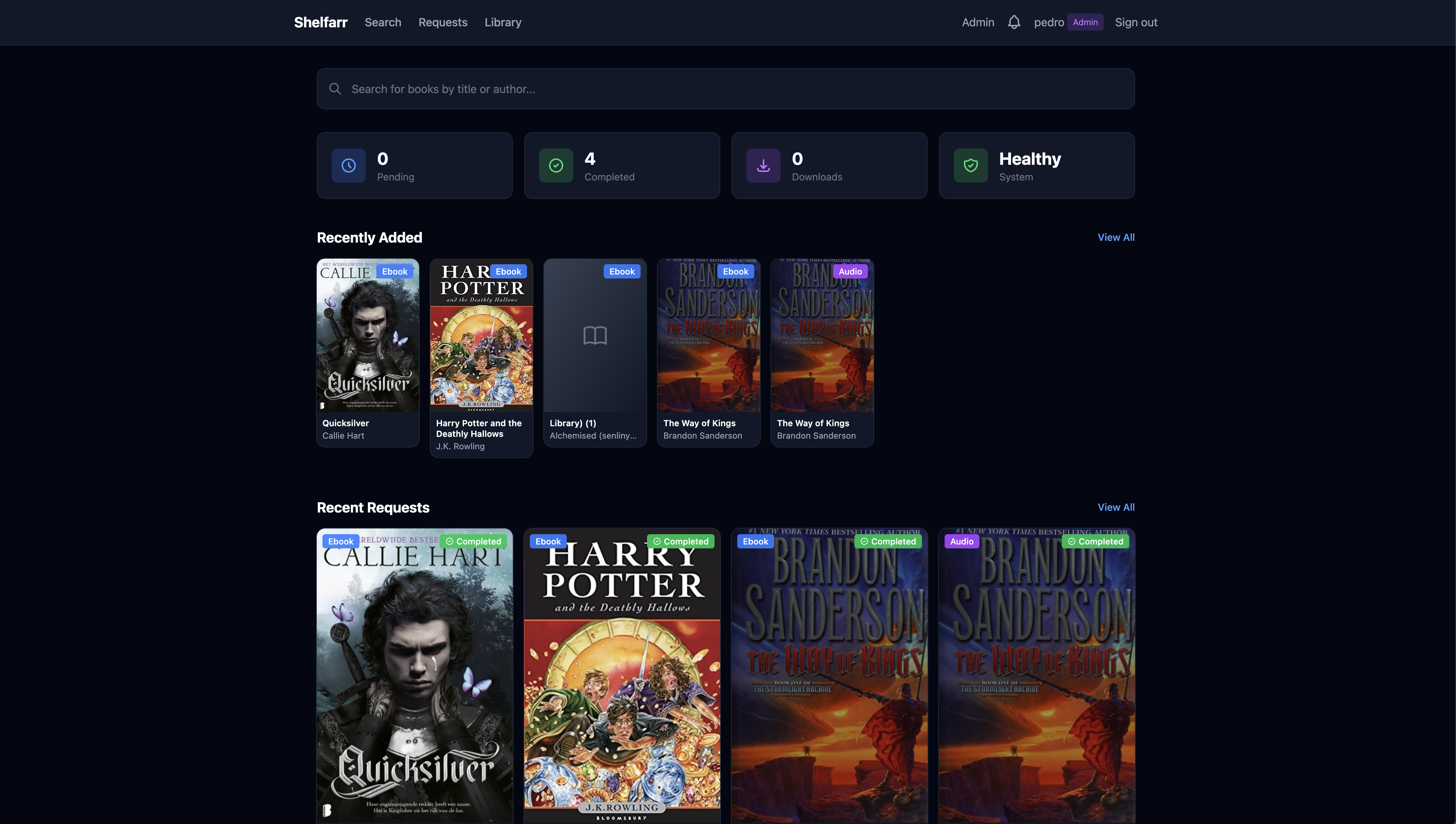
The missing piece between Prowlarr and Audiobookshelf. Request ebooks and audiobooks, automate downloads and organize your library effortlessly.
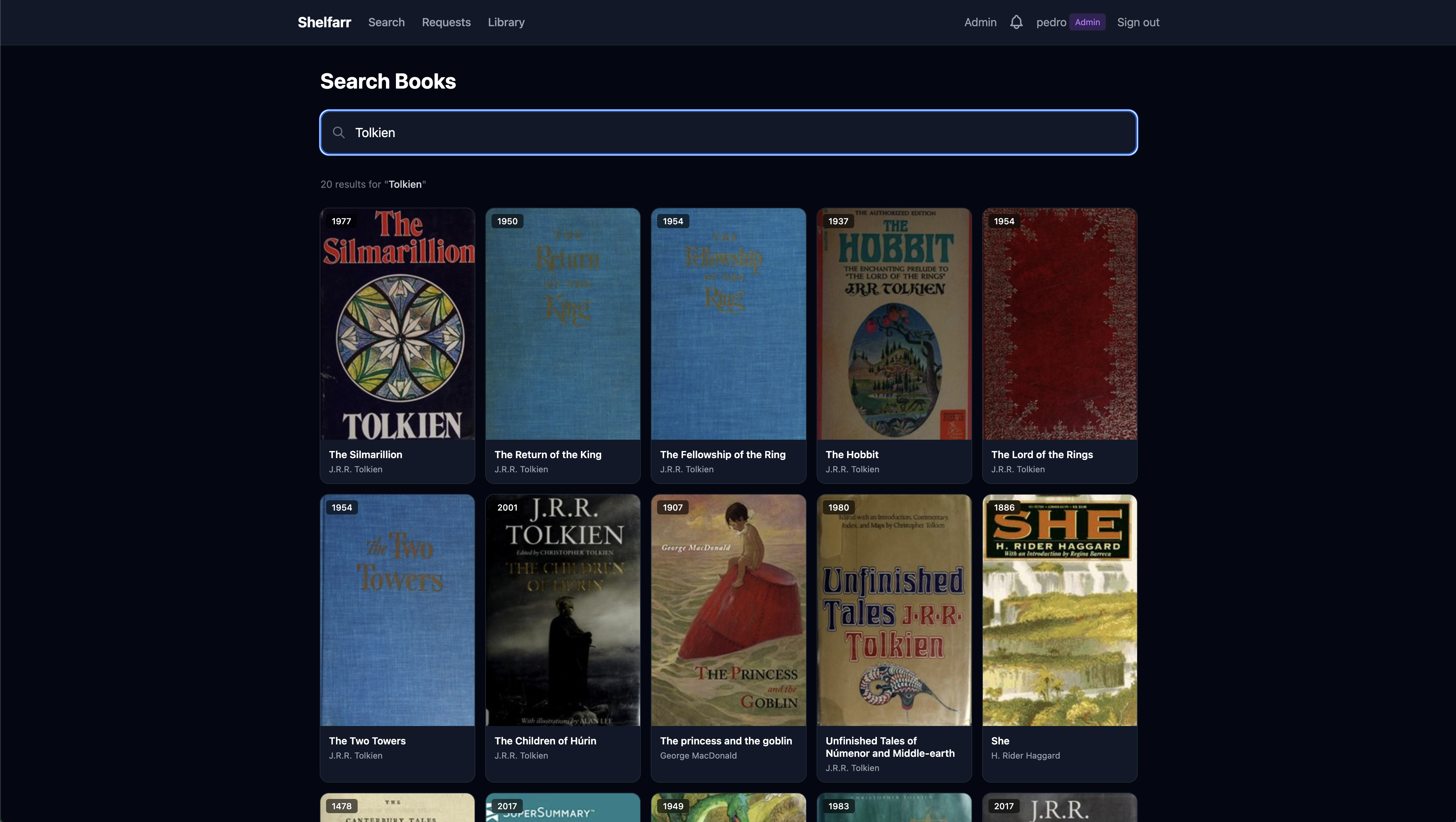
Browse millions of books through Open Library's vast catalog. See covers, descriptions and edition details at a glance.
Let Shelfarr handle the heavy lifting. It searches your indexers, selects the best results and manages downloads automatically.
Shelfarr connects seamlessly with the tools you already use in your *arr ecosystem.
Users request books, admins approve and manage. Role-based access keeps things organized.
Secure your instance with TOTP-based 2FA and backup codes for all user accounts.
Single sign-on via OpenID Connect. Works with Authentik, Authelia, Keycloak, and more.
Stay informed with in-app notifications when your requested books are ready.
Direct ebook downloads without needing a torrent client. Just search and download.
Files are automatically organized by author and title, ready for Audiobookshelf.
Automatic library scans after downloads complete. Your books appear instantly.
Browse your completed books directly in Shelfarr with download options.
Deploy in minutes with Docker. Works perfectly with your existing container setup.
Not necessarily. You can use Anna's Archive for ebooks without any indexer. For audiobooks and more sources, Prowlarr is recommended.
qBittorrent for torrents and SABnzbd for usenet. You can configure multiple clients with priority ordering.
Yes! Shelfarr organizes files to your specified output paths. Audiobookshelf integration is optional but recommended.
Absolutely. Users can search and request books. Admins can review requests and manage the download queue.
Get started with Shelfarr in minutes. Free, open source and self-hosted.
# Create directory and get compose file mkdir shelfarr && cd shelfarr curl -O https://raw.githubusercontent.com/Pedro-Revez-Silva/shelfarr/main/docker-compose.example.yml mv docker-compose.example.yml docker-compose.yml # Edit paths in docker-compose.yml, then start docker-compose up -d # Access at http://localhost:3000