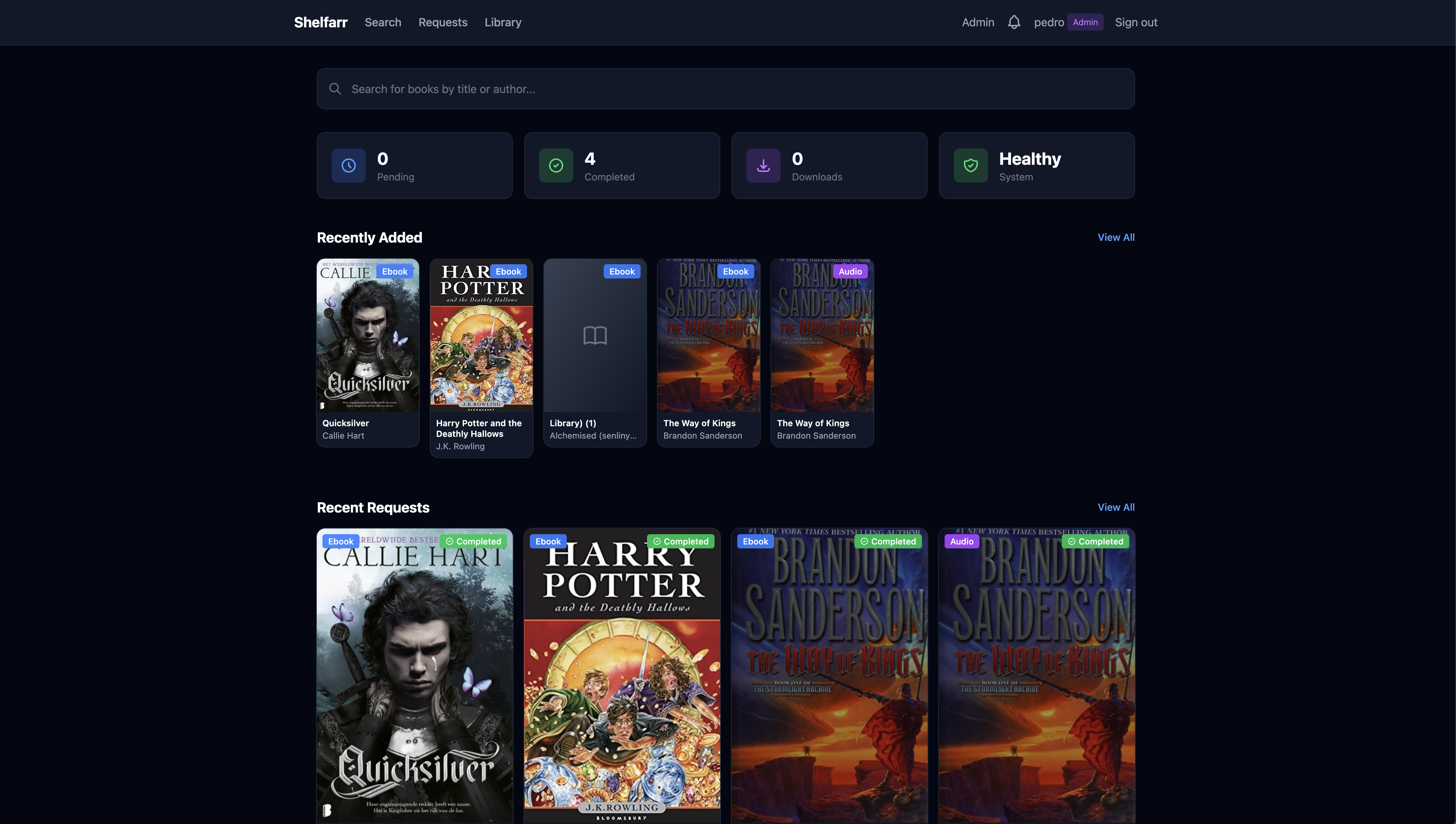
A self-hosted request and download system for ebooks and audiobooks. Search, request, enjoy.
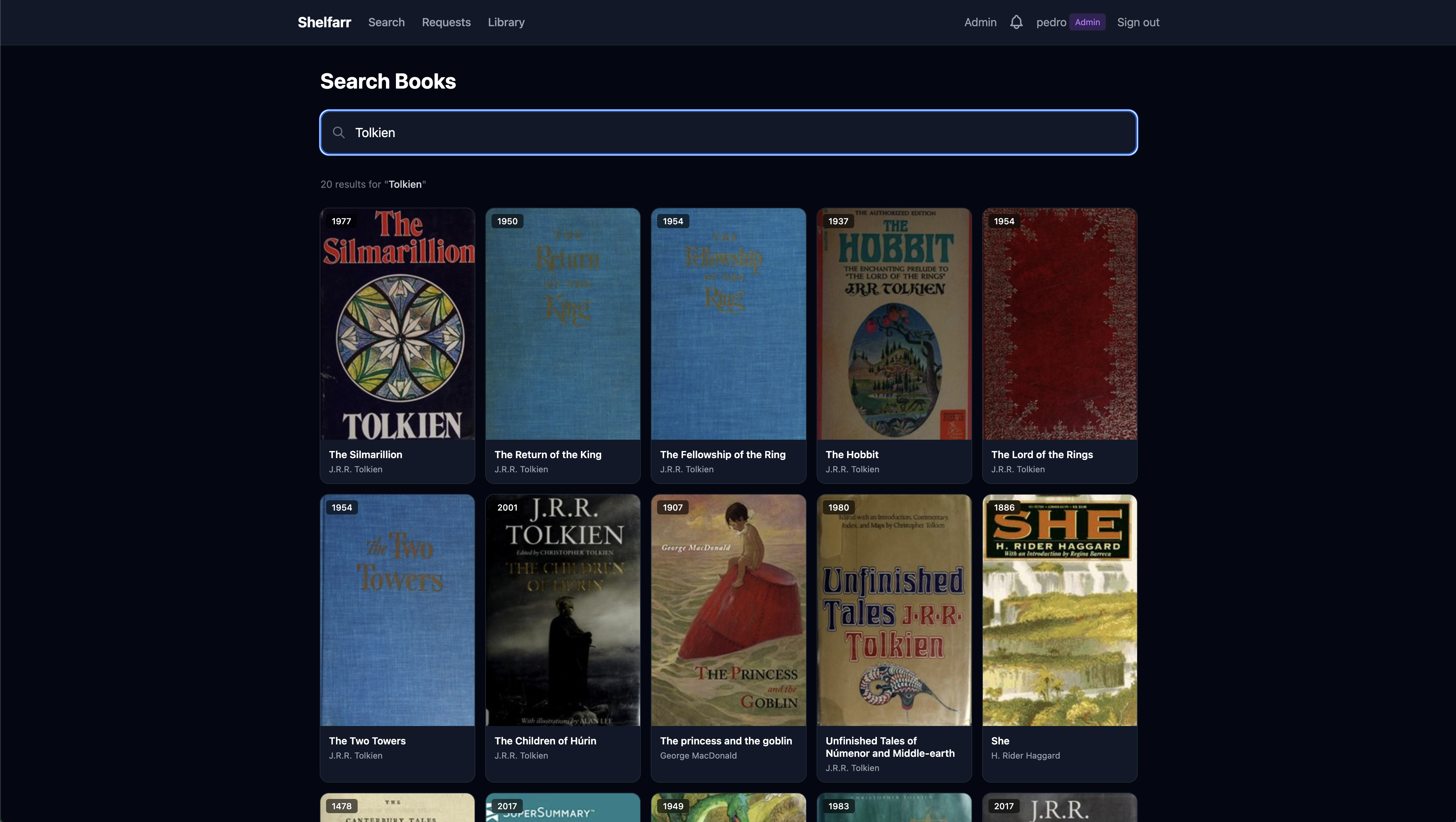
Browse millions of books through Open Library and Hardcover. See covers, descriptions, series and edition details at a glance.
Let Shelfarr handle the heavy lifting. It searches your sources, scores results against your format preferences and manages downloads automatically.
Shelfarr connects seamlessly with the tools you already use in your *arr ecosystem.
Users request books, admins approve and manage. Role-based access keeps things organized.
Secure your instance with TOTP-based 2FA and backup codes for all user accounts.
Single sign-on via OpenID Connect. Works with Authentik, Authelia, Keycloak, and more.
In-app, Discord, Telegram and generic webhook notifications for every request event.
Ebooks from Anna's Archive and Z-Library, plus free public-domain audiobooks from LibriVox — no torrent client needed.
Upload your own ebook or audiobook files to fulfill a request when automation can't find it.
Preferred, approved and rejected formats, plus bitrate and single-file rules for auto-selection.
Route specific indexers to specific download clients per torrent or usenet result.
Path and filename templates organize files by author, series and title, ready for Audiobookshelf.
Automatic Audiobookshelf scans after downloads complete. Your books appear instantly.
Scoped, user-owned API tokens for search and request
automation under /api/v1.
Deploy in minutes with Docker. Works perfectly with your existing container setup.
Not necessarily. You can use Anna's Archive or Z-Library for ebooks, or LibriVox for public-domain audiobooks, without any indexer. For the widest selection, Prowlarr or Jackett is recommended.
qBittorrent, Decypharr, Deluge and Transmission for torrents, plus SABnzbd and NZBGet for usenet. Configure multiple clients with priority ordering and per-indexer routing.
Yes! Shelfarr organizes files to your specified output paths. Audiobookshelf integration is optional but recommended.
Users can search and request books. Admins can review requests and manage the download queue.
Get started with Shelfarr in minutes. Free, open source and self-hosted.
# Create directory and get compose file mkdir shelfarr && cd shelfarr curl -O https://raw.githubusercontent.com/Pedro-Revez-Silva/shelfarr/main/docker-compose.example.yml mv docker-compose.example.yml docker-compose.yml # Edit paths in docker-compose.yml, then start docker-compose up -d # Access at http://localhost:5056 — the first user to register becomes admin